
-
Set Up Your Account
To send emails using MailCub APIs, you must have an active MailCub account and a verified domain. If you don’t have an account yet, create one from the signup page . Once your account is confirmed.
Configure your domain from the dashboard.
Prerequisite: Verify Your Domain
Before sending emails, your domain must be added and verified in MailCub.
👉 See: [Add and Verify a Domain in MailCub]
Domain verification requires setting up MX, SPF, DKIM, and DMARC DNS records at your domain provider.
Email sending will not work until domain verification is complete.Create Email Accounts
- Go to Email Accounts in the sidebar.
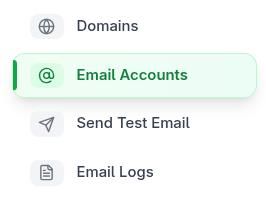
- Click Create Account.
- Select your domain and set a strong password.
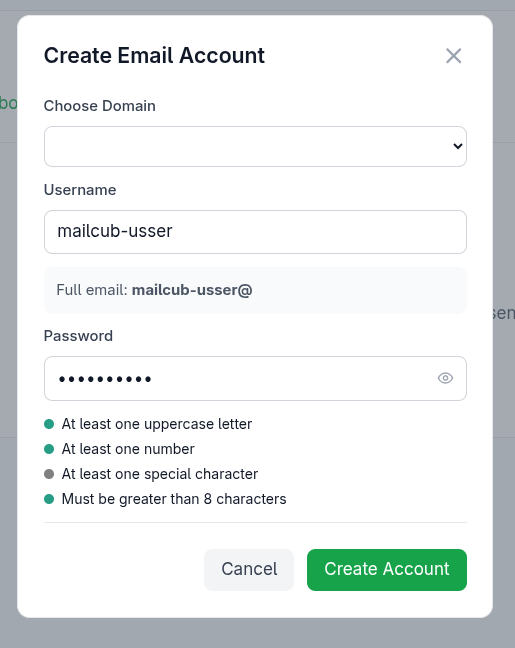
visit https://mailbox.mailcub.com/ to access your inbox.
- Go to Email Accounts in the sidebar.
Tags:
MailCub email hosting setupset up email hosting MailCubcustom domain email setupadd domain MailCubDNS records for emailMX record setupSPF record setupDKIM setupdomain verification for email hostingcreate email accountsmailboxes setupwebmail setupIMAP SMTP settingsemail hosting guideMailCub docs